How to Use Truelist with Make.com
The Truelist Make.com app lets you validate email addresses and manage bulk verification batches directly inside your Make.com scenarios. This guide walks through installing the app, setting up your connection, and using each available module.
Step 1: Install the App
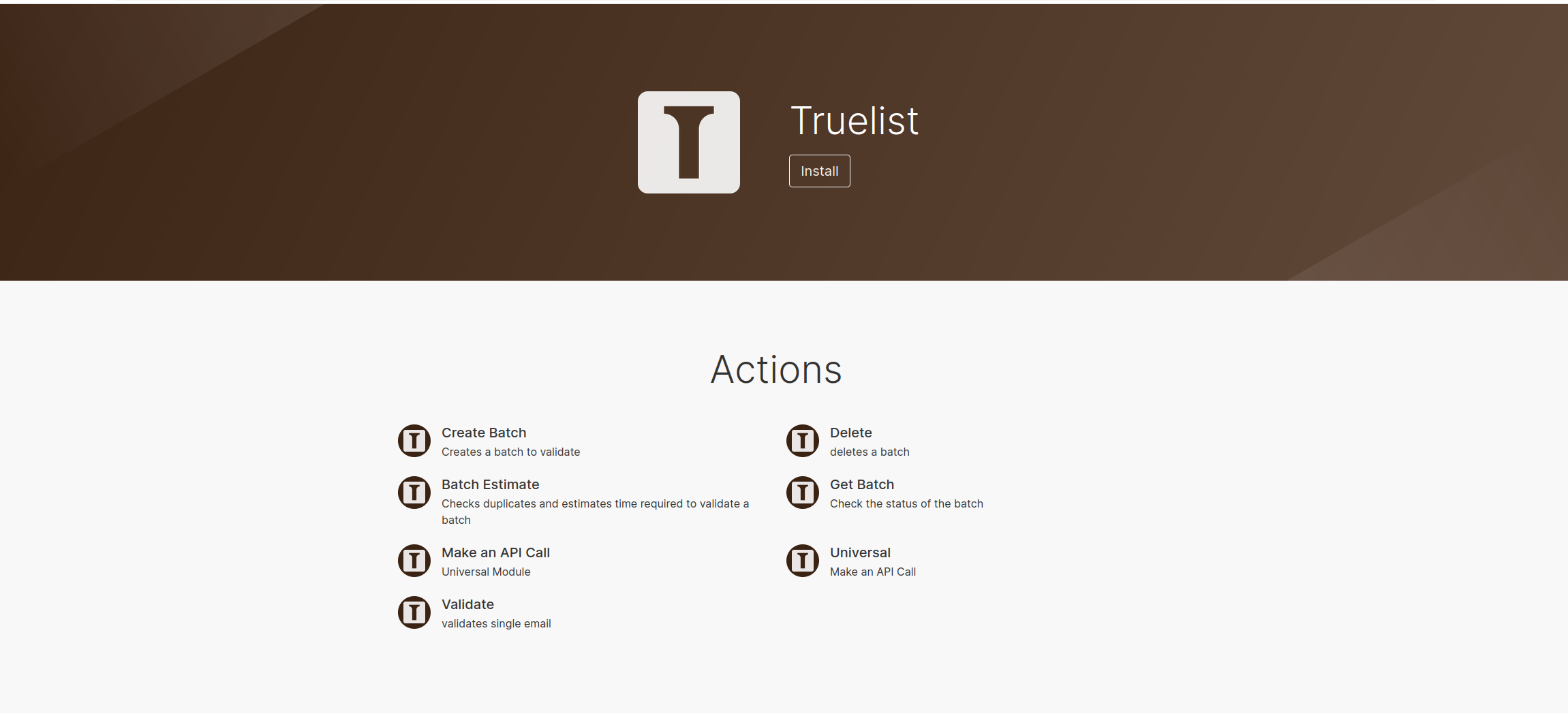
Click the link below to add Truelist to your Make.com account:
Install Truelist on Make.com →
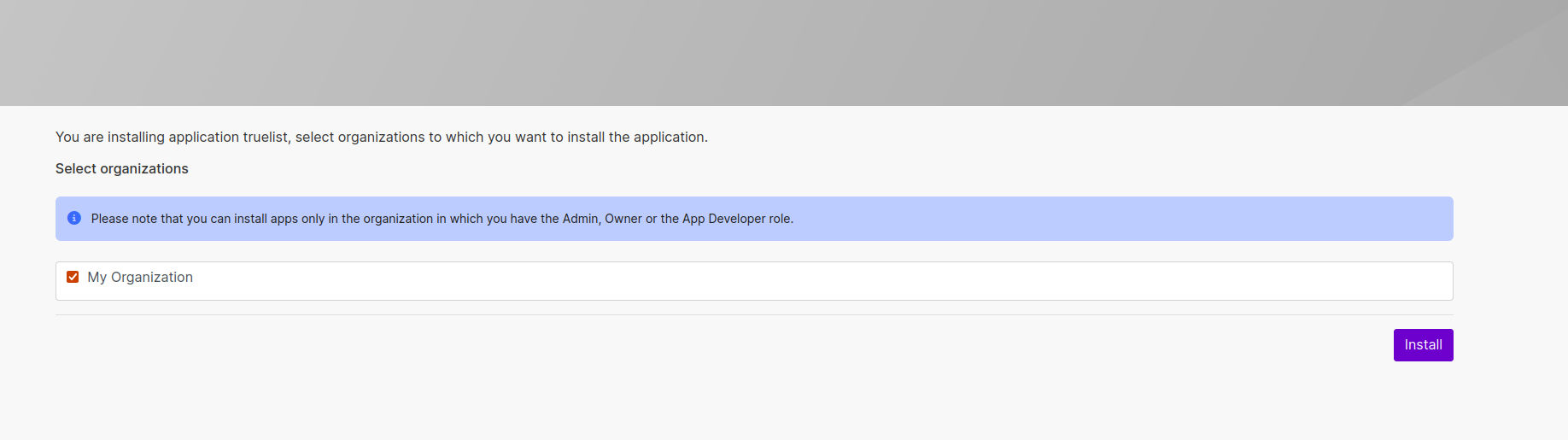
Click Install on the confirmation screen.
Step 2: Get Your API Key
Log in to your Truelist account and go to Settings → API Keys. Click Add Key, give it a name, and copy the generated key.
Step 3: Connect Your Account
When you add a Truelist module to a scenario for the first time, click Add next to the connection field, paste your API key, and click Save.
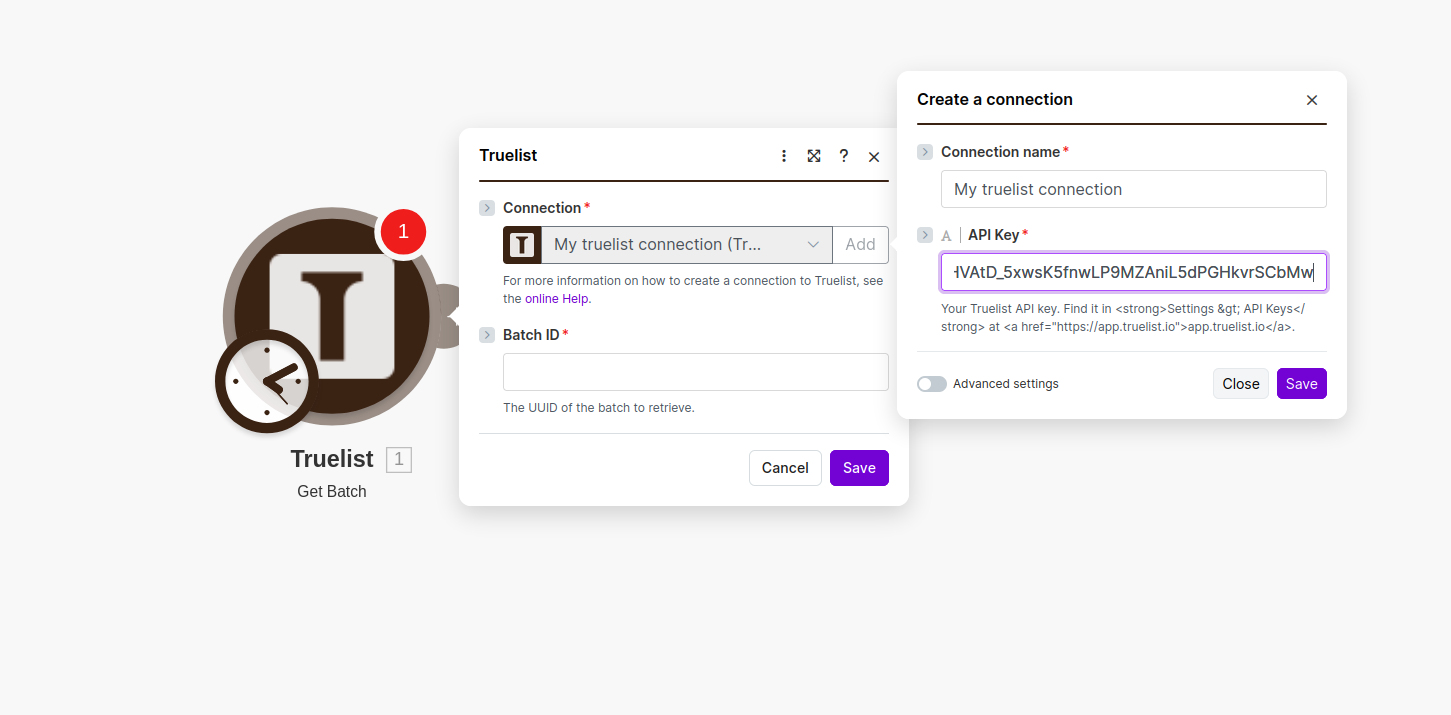
Make.com will test the connection automatically. Once verified, your connection is saved and reused across all Truelist modules.
Step 4: Add Modules to Your Scenario
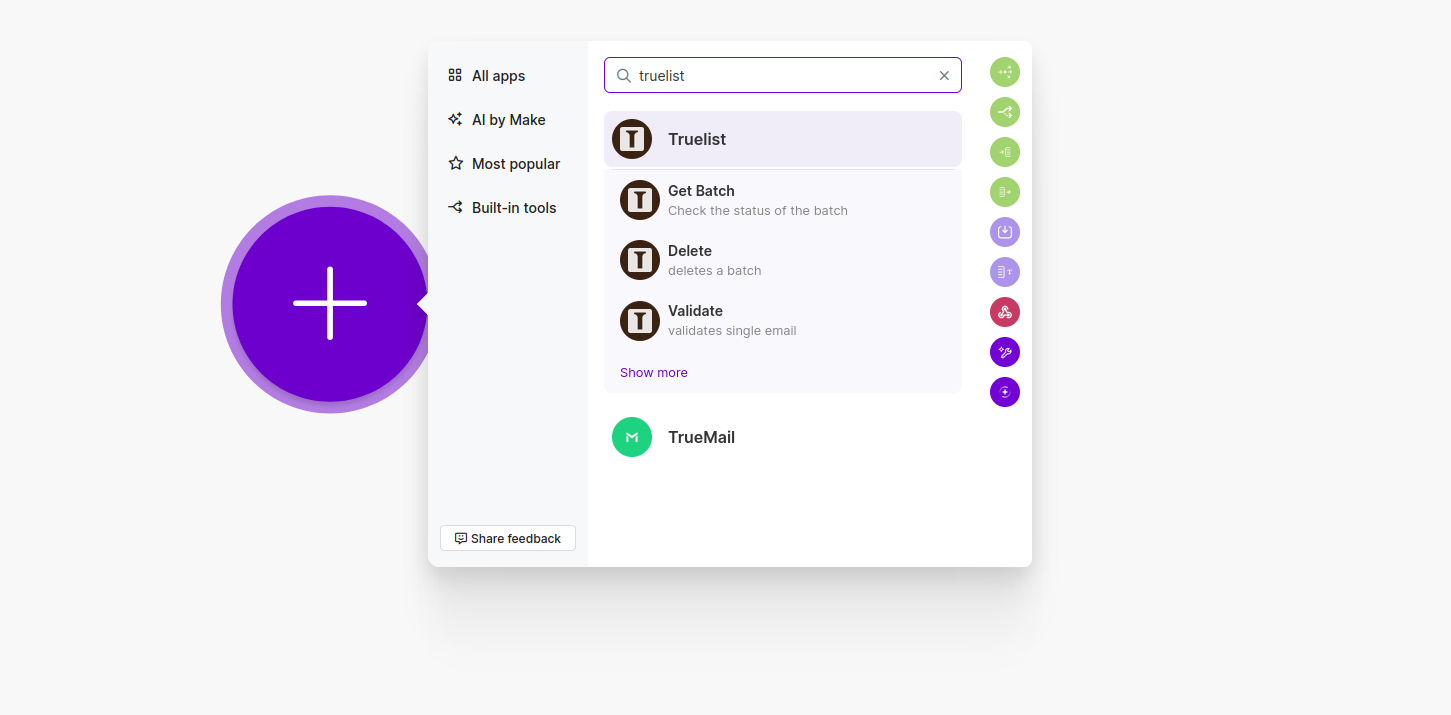
Search for Truelist in the module picker to see all available modules.
Available Modules
| Module | Type | Description |
|---|---|---|
| Watch Completed Batches | Polling Trigger | Fires when a batch finishes processing |
| Validate Email | Action | Validates a single email address instantly |
| Create Batch | Action | Submits a list of emails for bulk verification |
| Get Batch | Search | Retrieves a batch by ID, including download URLs |
| List Batches | Search | Lists all batches for your account |
| Delete Batch | Action | Deletes a batch from your account |
| Estimate Batch | Action | Returns estimated processing time and credit cost |
| List Email Addresses | Search | Queries validated emails with optional filters |
| Make an API Call | Action | Make a custom call to any Truelist API endpoint |
Module Reference
Watch Completed Batches
Type: Polling Trigger
Polls the Truelist API on a schedule and fires once for each batch that has completed since the last run. Use this as the starting point of any scenario that reacts to a finished batch.
Output includes: Batch ID, state, email counts by result type, validation strategy, and pre-signed CSV download URLs.
Notes:
- Set the poll interval to at least 5 minutes. The trigger pages through your full batch history on every run.
- For high-volume accounts completing more than 300 batches between poll cycles, use the
webhook_urlparameter in Create Batch to receive an immediate callback instead. - Download CSV files using Make’s HTTP → Make a request module pointed at the URL directly. Do not add an Authorization header — S3 pre-signed URLs reject auth headers and will fail.
Validate Email
Type: Action
Validates a single email address and returns a full verification result immediately. Best used inline — for example, checking an email before adding a contact to a CRM.
Parameters:
| Field | Required | Description |
|---|---|---|
| Email Address | Yes | The email address to validate |
Output includes: email_state, email_sub_state, domain, canonical address, MX record, inferred first/last name, and did_you_mean suggestion.
Example: Webhook trigger → Validate Email → Router (if State = ok → add to Mailchimp, else → log to Google Sheets)
Create Batch
Type: Action
Submits a list of emails to Truelist for bulk verification. The batch processes asynchronously — use Watch Completed Batches or the webhook_url field to know when it is done.
Parameters:
| Field | Required | Description |
|---|---|---|
| Email Data (JSON) | Yes | List of emails as a JSON array — see formatting below |
| Filename | No | Display name for the batch. Defaults to data.csv |
| Validation Strategy | No | fast, accurate (default), enhanced, or thorough |
| Webhook URL | No | URL to POST {"batch_id": "..."} to when the batch completes |
Formatting email data:
The Truelist API expects emails as a JSON array of single-element arrays:
[["alice@example.com"],["bob@example.com"],["carol@example.com"]]To build this dynamically from a data source:
- Add an Array aggregator module upstream.
- Set the Source module to the module that produces email addresses.
- In the aggregator’s value field, enter
["{{item}}"]to wrap each address. - Map the aggregator output directly into the Email Data (JSON) field.
Get Batch
Type: Search
Retrieves full details for a single batch by ID, including pre-signed CSV download URLs. Use this after Watch Completed Batches fires to get fresh download URLs before downloading results.
Parameters:
| Field | Required | Description |
|---|---|---|
| Batch ID | Yes | The UUID of the batch — map id from Create Batch or Watch Completed Batches |
Output includes: All email counts by result type, batch state, timestamps, and four pre-signed S3 download URLs.
Downloading CSVs:
| URL field | Contents |
|---|---|
safest_bet_csv_url | Confirmed valid emails only |
highest_reach_csv_url | Valid + accept-all domain emails |
only_invalid_csv_url | Invalid emails only |
annotated_csv_url | All emails with full verification results |
Use Make’s HTTP → Make a request module to download. Do not add an Authorization header. URLs expire after approximately one hour.
List Batches
Type: Search
Returns a list of batches for your account. Each batch is returned as a separate bundle so you can process them individually in subsequent modules.
Parameters:
| Field | Required | Description |
|---|---|---|
| Limit | No | Maximum number of batches to return. Defaults to 10 |
Delete Batch
Type: Action
Soft-deletes a batch from your account. The batch is permanently removed after approximately 5 days.
Parameters:
| Field | Required | Description |
|---|---|---|
| Batch ID | Yes | The UUID of the batch to delete |
Example: List Batches → Delete Batch (map Batch ID from List Batches) to delete all completed batches in bulk.
Estimate Batch
Type: Action
Returns an estimated processing time and credit cost for a list of emails before you submit it. Use this before Create Batch to confirm you have enough credits.
Parameters:
| Field | Required | Description |
|---|---|---|
| Email Data (JSON) | Yes | Same format as Create Batch |
Output: Email count, duplicate count, and estimated processing time in seconds.
List Email Addresses
Type: Search
Queries validated email addresses across your account with optional filters. Each matching email is returned as a separate bundle.
Parameters:
| Field | Required | Description |
|---|---|---|
| Batch ID | No | Filter to emails from a specific batch |
| State | No | Filter by ok, invalid, risky, or unknown |
| Sub-State | No | Filter by specific sub-state (e.g. failed_mx_check) |
| Email Address Search | No | Search for a specific address |
Example: Watch Completed Batches → List Email Addresses (Batch ID from trigger, State = ok) → Mailchimp → Add subscriber
Make an API Call
Type: Action
Make a custom call to any Truelist API endpoint. Use this for endpoints not covered by the dedicated modules above.
Parameters:
| Field | Required | Description |
|---|---|---|
| URL | Yes | Full URL, e.g. https://api.truelist.io/api/v1/batches |
| Method | Yes | GET, POST, PUT, PATCH, or DELETE |
| Headers | No | Additional request headers |
| Query String | No | Query parameters |
| Body | No | JSON body for POST/PUT/PATCH requests |
For the full Truelist API reference, see the API Reference.
Understanding Verification Results
email_state
| Value | Meaning |
|---|---|
ok | Email is valid and deliverable |
risky | May be deliverable but carries some risk |
invalid | Not deliverable |
unknown | Could not determine deliverability |
email_sub_state
| Value | Meaning |
|---|---|
email_ok | Confirmed deliverable |
is_disposable | Temporary or throwaway address |
is_role | Role address (e.g. info@, admin@) |
failed_mx_check | No MX record found for the domain |
failed_smtp_check | SMTP connection failed |
failed_no_mailbox | Mailbox does not exist |
failed_greylisted | Temporarily deferred by the mail server |
failed_syntax_check | Invalid email format |
Validation Strategies
| Strategy | Speed | Depth |
|---|---|---|
fast | Fastest | MX record + syntax check only |
accurate | Balanced | SMTP + MX + syntax (recommended) |
enhanced | Slower | Adds browser-based verification |
thorough | Slowest | Full verification suite |
Frequently Asked Questions
Do I need a Truelist account?
Yes. Sign up for free at app.truelist.io — the free plan includes 100 validations with no credit card required.
How do I know when a batch is finished?
Either provide a webhook_url when creating the batch (Truelist will POST to it when done), or use Watch Completed Batches as a trigger in a separate scenario to be notified automatically.
Where do I find my API key?
In your Truelist account, go to Settings → API Keys.
Where can I get help?
Reach out at truelist.io/contact or email support@truelist.io.