CSV download options
When a list is completed, you have the option to download the list in a few different ways.
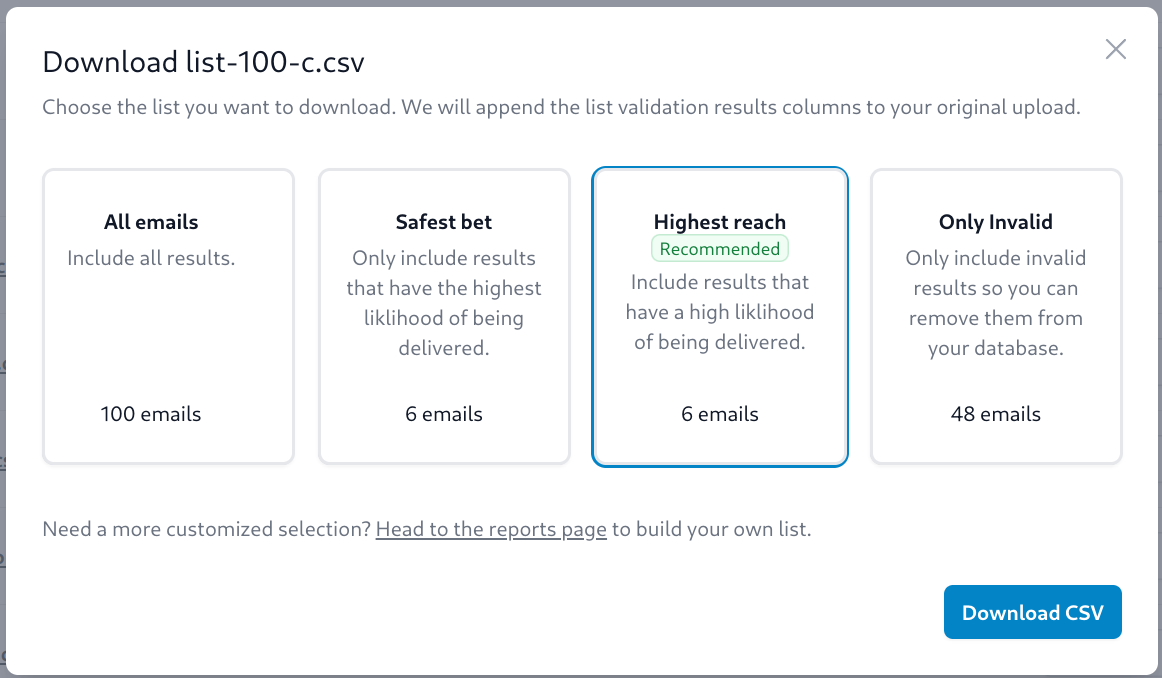
Download options:
- All emails - This will download the full CSV with all emails in it, with 2 new columns for the result codes. There is a more generalized result code (email_state), and a more detailed result code (email_sub_state).
- Safest bet - Download only the email addresses that are safe to send to. This will only include emails that have a result code of
ok. - Highest reach - Download emails that are safe to send to, as well as emails that have a sub-result code of
ok,disposableorrole. These emails are generally safe to send to, but may have a higher bounce rate than other emails. - Only invalid - Download only the emails that are invalid. These emails are not safe to send to.